
TherapyCRM Attendance
Professional Therapy Session Tracking
Front-Desk Check-In for Therapy Sessions, Without the Sign-In Sheet
TherapyCRM Attendance is a tablet check-in companion for TherapyCRM. Families check in and out at the front desk, and attendance lands on the appointment record your clinicians and billing already use.
Availability is confirmed per deployment; there is no public app-store listing yet.
What Check-In Looks Like
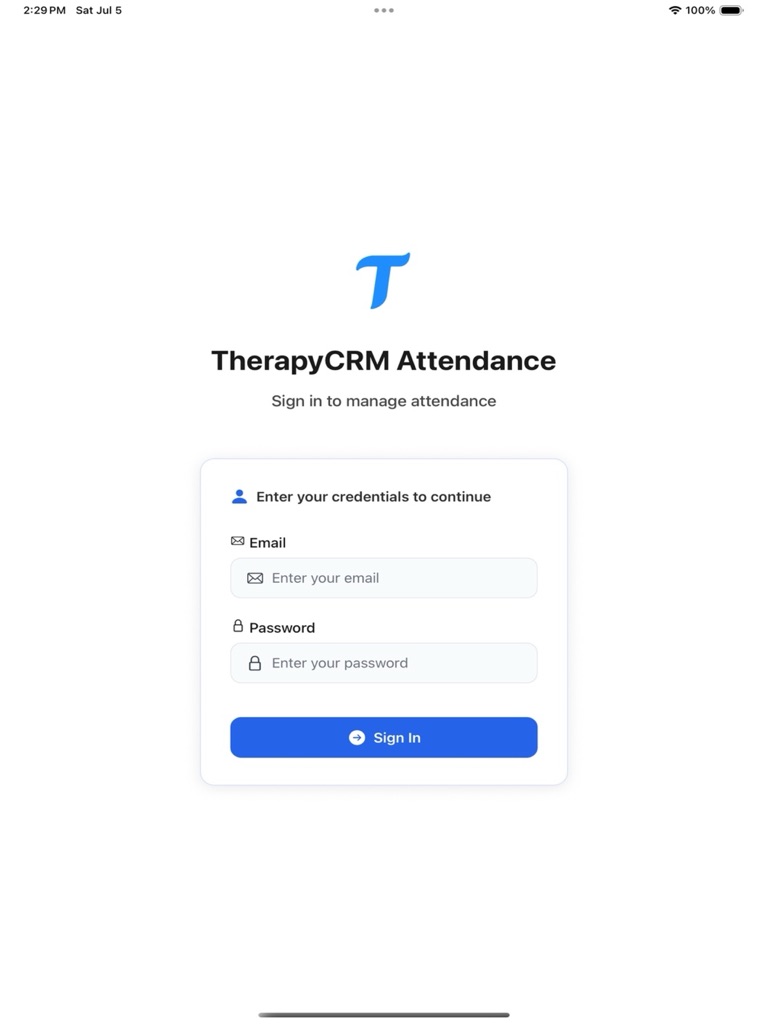
Secure Login
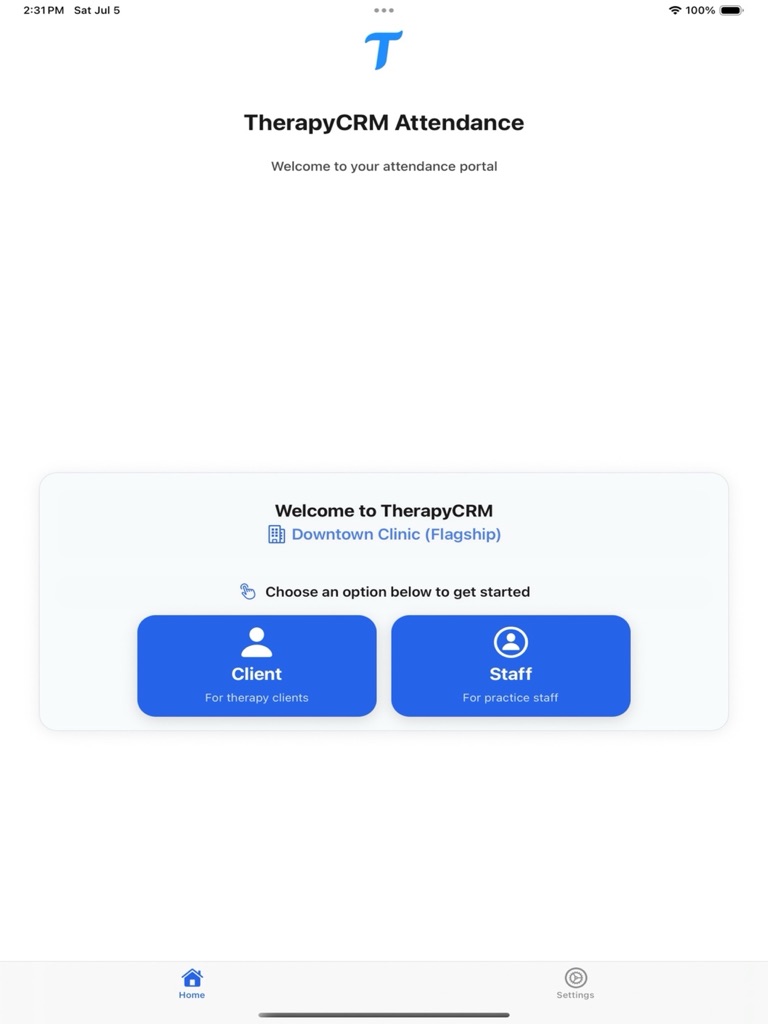
Welcome Dashboard
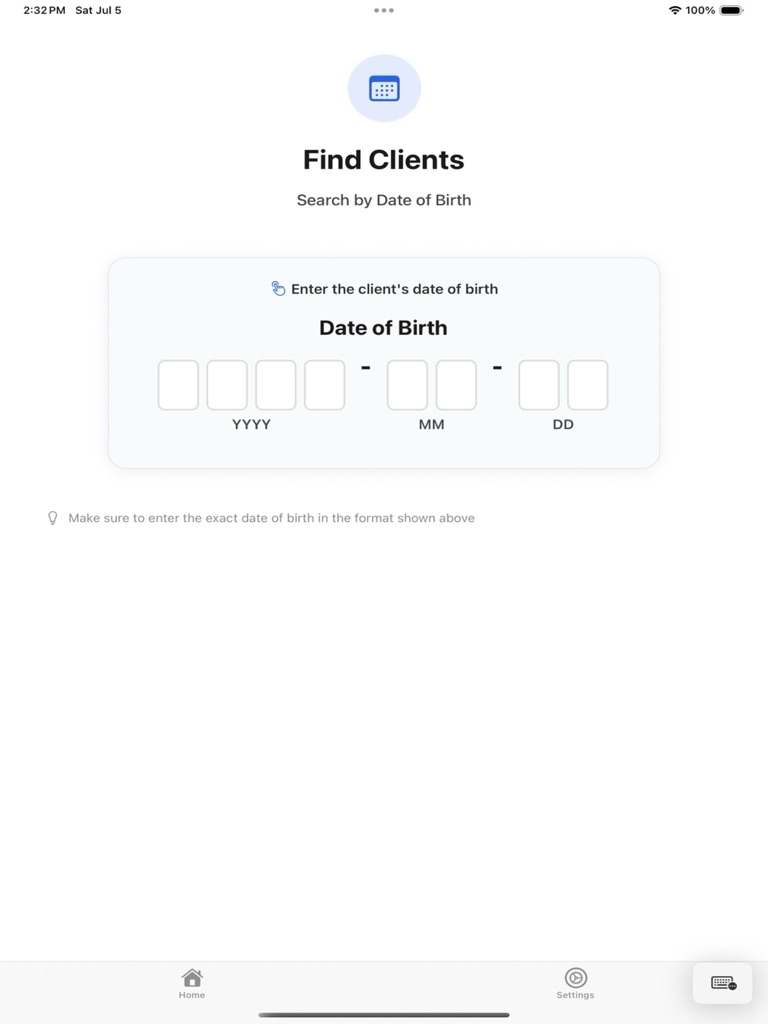
Find Clients
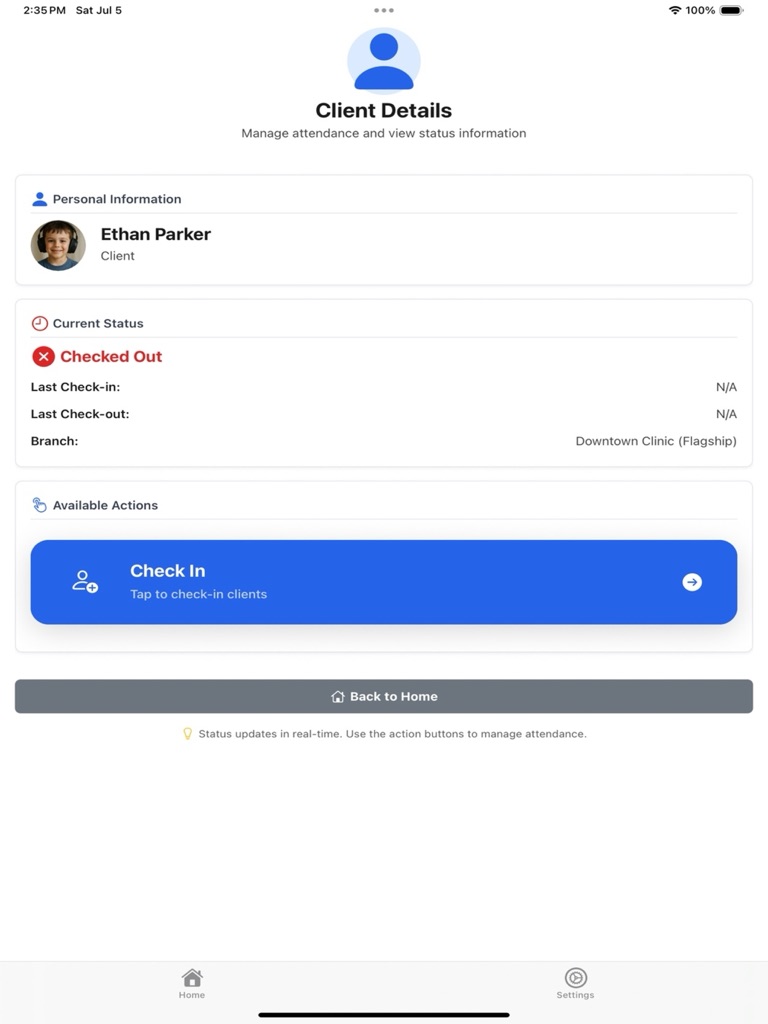
Client Management
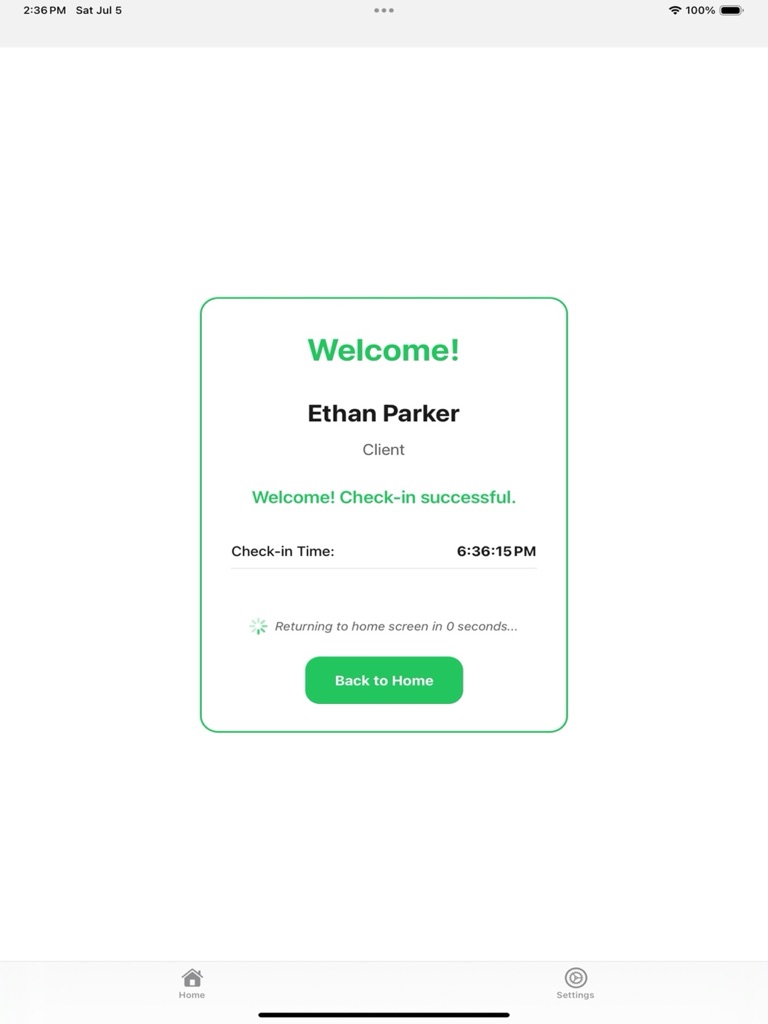
Quick Check-in
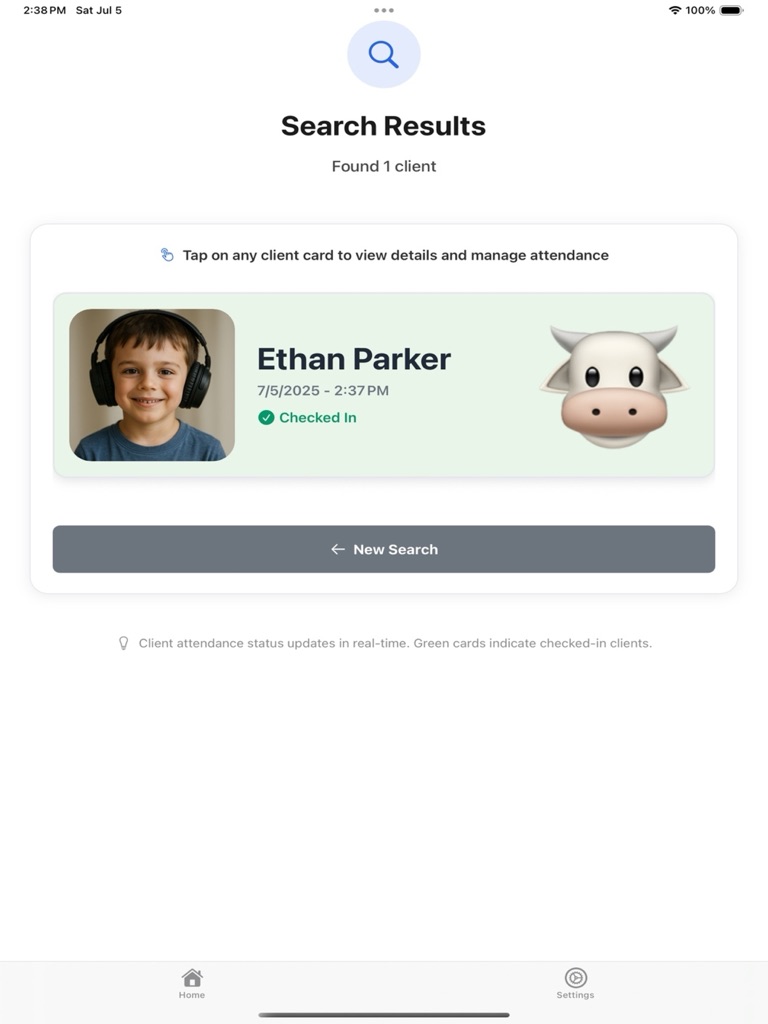
Search Results
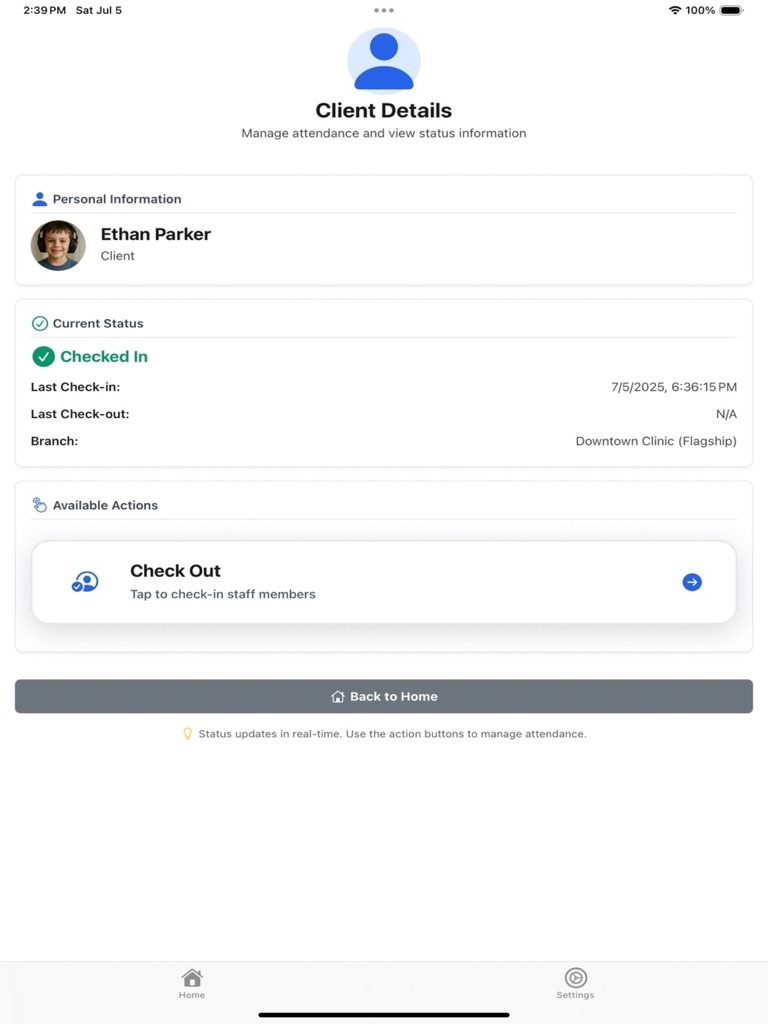
Status Tracking
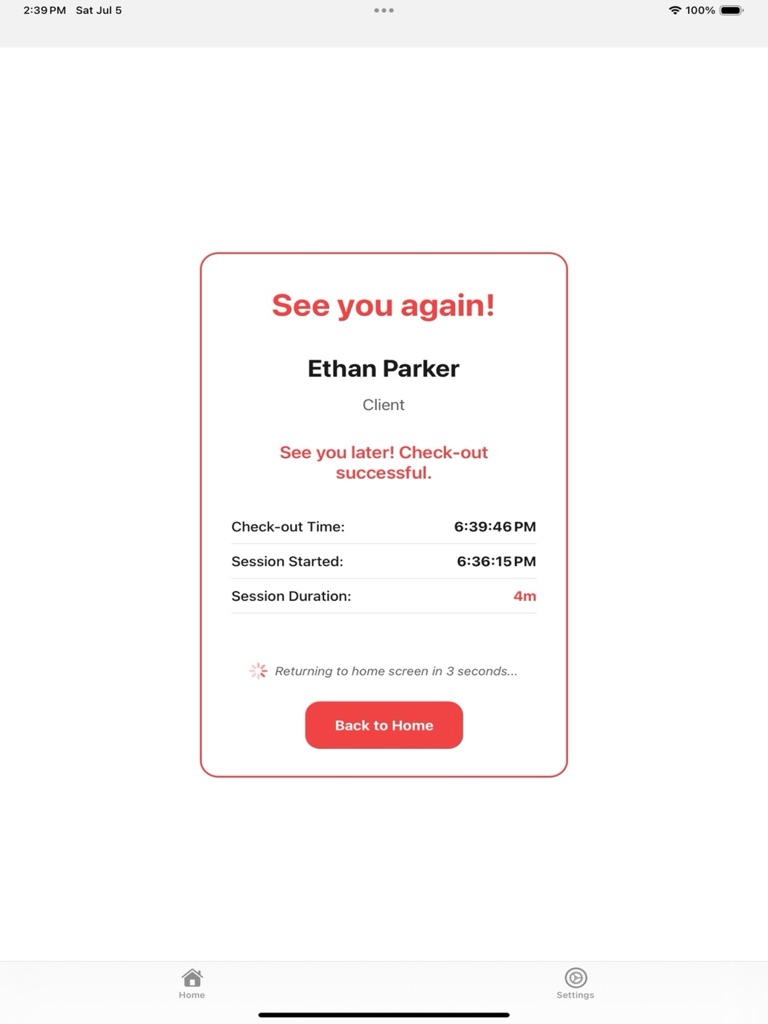
Session Complete
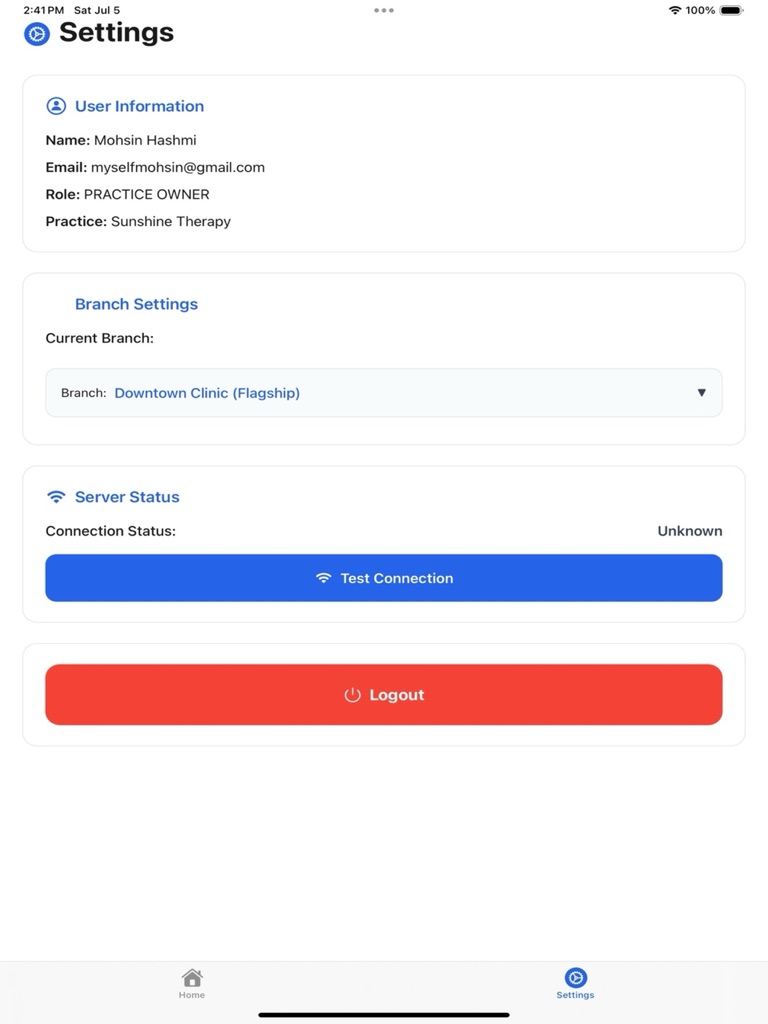
App Settings
What the Check-In App Does
Attendance captured at the desk flows straight into scheduling, session billing and attendance reports in TherapyCRM.
1-Tap Check-In
Mark individual or group sessions in seconds with our streamlined interface.
Real-Time Dashboard
Instantly see daily totals, no-shows, and cancellations at a glance.
Secure Client Profiles
Attendance data uses TherapyCRM's authenticated storage. Compliance depends on the deployed environment and agreements.
Automated Billing Export
Prepare attendance information for configured billing workflows. Verify any external integration before use.
Multi-Therapist Support
Assign, filter, and track sessions across your entire team effortlessly.
Deployment-Dependent Sync
Sync and offline behavior depend on the distributed client and deployment configuration; confirm support before relying on it.
Built for Busy Therapy Front Desks
For ABA, speech, occupational and physiotherapy practices that see many short sessions a day and need attendance recorded once, accurately.
Solo Clinicians
Check clients in from a tablet in the waiting area instead of a paper sheet.
Group Practices
One check-in screen per branch, with attendance filtered by clinician in reports.
Multi-Location Clinics
Review deployment security and device management with your administrator before clinical use.
Security and Compliance Review
TherapyCRM includes security controls, but compliance is not established by this page. Confirm encryption, access controls, hosting configuration, and an executed BAA for your deployment.
Ask Whether Check-In Is Available for Your Deployment
Tell us which platform your front desk uses and we will confirm availability, device requirements and rollout steps.
Pricing, platform support, and distribution status are not published here.
Optional website analytics
Allow Google Analytics to measure visits and actions on these public pages? It stays off in clinical, portal and checkout screens. Google may process analytics outside Canada. Details